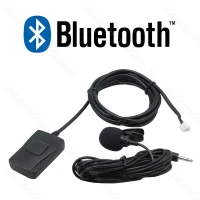
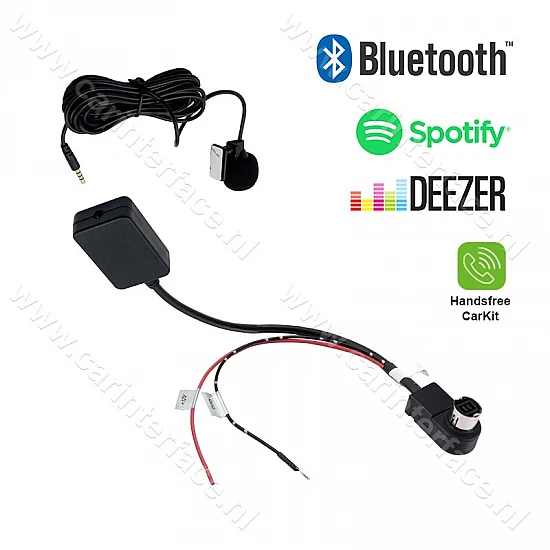
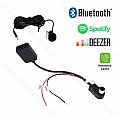
With this Bluetooth module (interface/audio adapter), you can enjoy your favorite music wirelessly from a mobile phone or other Bluetooth device through your original AUX-capable Alpine Ai-NET or JVC Jlink car stereo.
The module also features hands-free calling/car kit functionality.
Product Features:
- High-quality Bluetooth chip. Distortion-free sound transmission according to High Definition Standard
- Stream music wirelessly (A2DP), including via Spotify and Deezer.
- Hands-free calling / car kit (HFP)
- Music and phone controls are controlled via your smartphone
- The radio must be in AUX mode to make calls or stream music
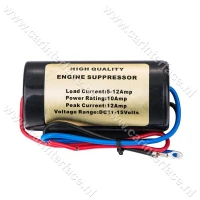
- Power stabilizer with integrated interference suppression filter for clear sound
- Shock and interference resistant
- No loss of quality or interference (unlike with FM transmitters) thanks to the direct digital connection
- Easy installation, without damaging the original car parts
- Fully tinned copper wire
Supported Alpine Ai-NET car radios:
- CVA-1004
- IVA-D300, IVA-D900
- INA N333, INA N333RS / RRS
- DVA-7996R, DVA-9860R, DVA 9861Ri, DVA-9965R
- IDA-X100, IDA-X200, IDA-X300, iDA-X301, iDA-X303, iDA-X305, IDA-X311, IDA-X313
- CDA-7893, CDA-7894, CDA-7998, CDA-7998R, CDA-9535R, CDA-9805,
CDA-9807, CDA-9811, CDA-9812, CDA-9813, CDA-9815, CDA-9827, CDA-9830,
CDA-9830R,
CDA-9831, CDA-9831R, CDA-9833, CDA-9833R, CDA-9835, CDA-9847R,
CDA-9851R, CDA-9853R, CDA-9855R, CDA-9812RB CDA-9852RR/RB,
CDA-9854R, CDA-9856R, CDA-9857R, CDA-9883R, CDA-9885R, CDA-9887R, CDA-9884R, CDA-9886R, CDA-105Ri, CDA-117Ri
Supported JVC Jlink car radios:
- KS-U5t, KS-U58, PD100, U57, U29
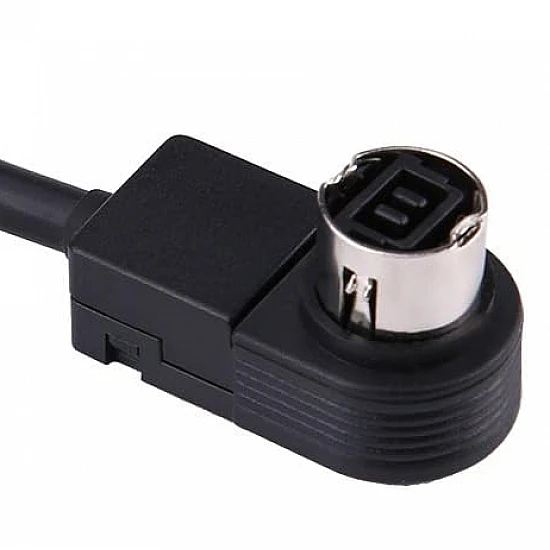
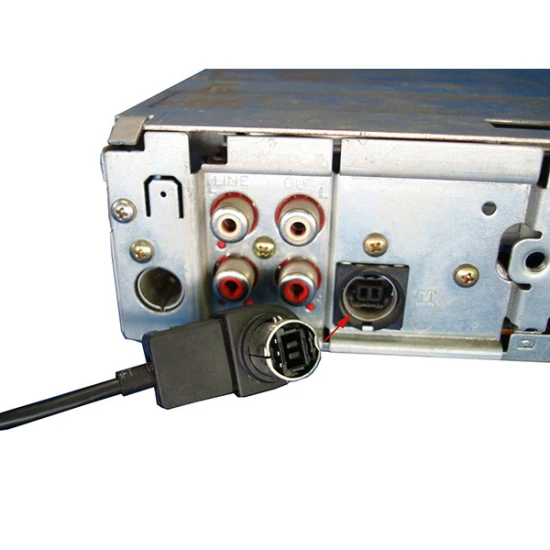
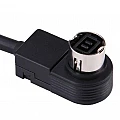
Installation is quite simple. The AI-NET connector of the module
is connected to the AUX/CD changer port on the back of the radio.
Then the black wire of the interface should be
connected to ground (-12V) and the red wire to the switched (interrupted by the ignition switch) +12V. If necessary, Tapping into the radio's wiring (using cable thieves or soldering) or pulling it from the fuse box.
NOTE: Your JVC stereo will not automatically recognize this
interface/adapter. You must activate the correct input via your radio's menu. EXT IN must be selected (not the AUX option).
Then select the external audio input using the SRC button.
This interface/adapter/module cannot be combined with a CD changer.