



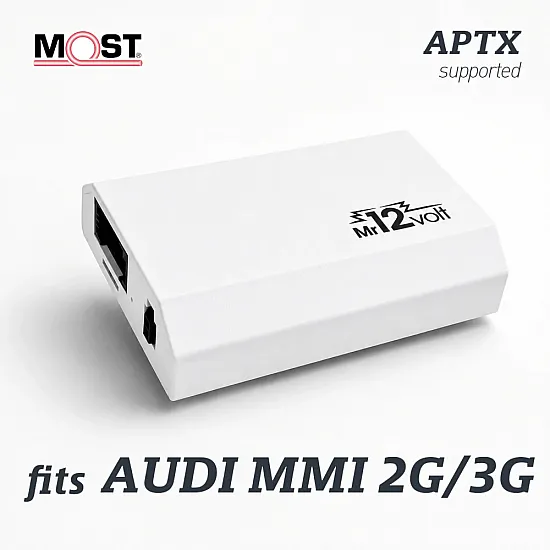
Bluetooth interface / adapter for Audi with MMI 2G High / Basic (MOST)

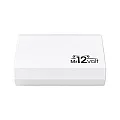
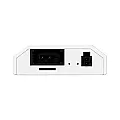
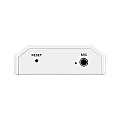

- Brand: Mr12Volt
- Model: P800AU
- Availability: In Stock
- Ships within: 1-3 days
- Warranty: 2 years
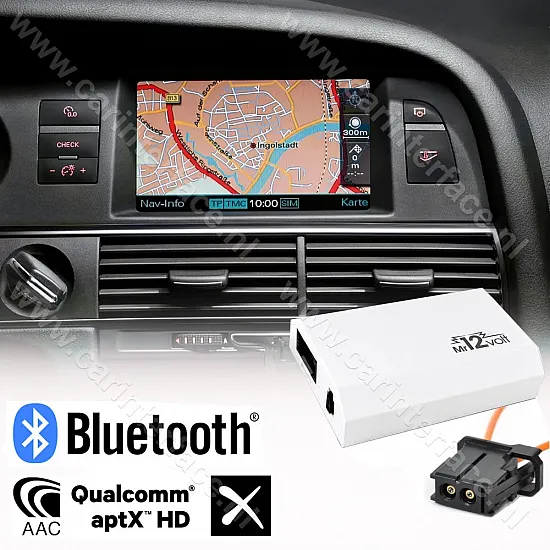
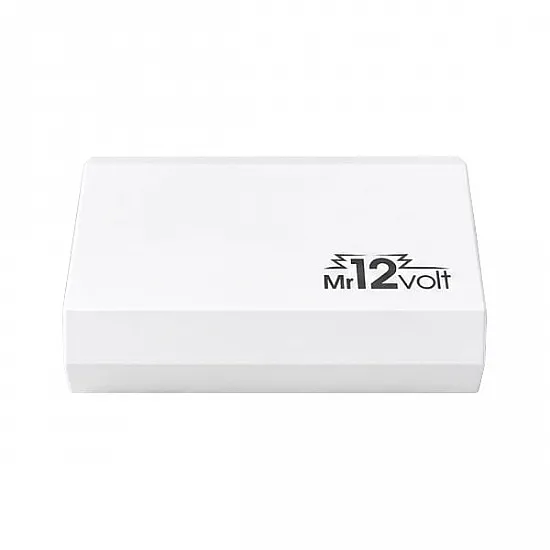
MR12volt Bluetooth Streaming / Handsfree MOST Interface for Audi MMI 2G
Upgrade your original Audi audio system with the advanced MR12volt MOST interface.This adapter adds modern digital convenience to your car, without changing the authentic look of the dashboard. Thanks to direct integration via the fiber optic network (MOST), you can enjoy audio in pure CD quality.
Suitable Audi models with MMI 2G High / Basic system:
- Audi A4 (8K) 2008-2009
- Audi A5 (8T) 2007-2009
- Audi A6 (4F) 2004-2010
- Audi A8 (8E) 2002-2009
- Audi Q7 (4L) 2005-2009
Features:
- Integrated Qualcomm Bluetooth V5.0 module for wireless music streaming (A2DP) in digital quality and control via MMI buttons. Support for title/artist name/album display on the display.Suitable for streaming sounds from played music, videos, navigation, podcasts, etc. on your smartphone through the speakers.Suitable for streaming from Spotify, Deezer, Pandora and YouTube, among others.Support for aptX LL, aptX, AAC, SBC and Thx format
- Hands-free calling (car kit) functionality and control (record/hang up) via the MMI buttons (AVRCP).No phone book functionalities
- Memory for the last playback position, which resumes playback when the radio is switched on and off
- Easy installation, without damage to the original parts of the car
- Audio system automatically switches to CD changer if Bluetooth on MR12VOLT is inactive for 10 seconds
- Shock and interference resistant
NOTE:
If the MMI 2G Basic(Low) firmware version of Audi A6 or Q7 is lower than 0410, the MMI firmware must be updated.
Audi A4 (8K) and A5 have the minimum necessary version ex works.
If the MMI 2G High firmware version of Audi A6, Q7 and A8 is lower than 2830, the MMI firmware must be updated.
Audi A4 (8K) and A5 have the minimum necessary version ex works.
Phonebook synchronization is only available on MMI 2G High!
This device supports basic operating functionalities such as (PLAY, PAUSE, NEXT, PREV, FF, REW) via MMI buttons.
In addition, when playing music via Bluetooth, the title / artist name / album is shown on the display of your MMI system.
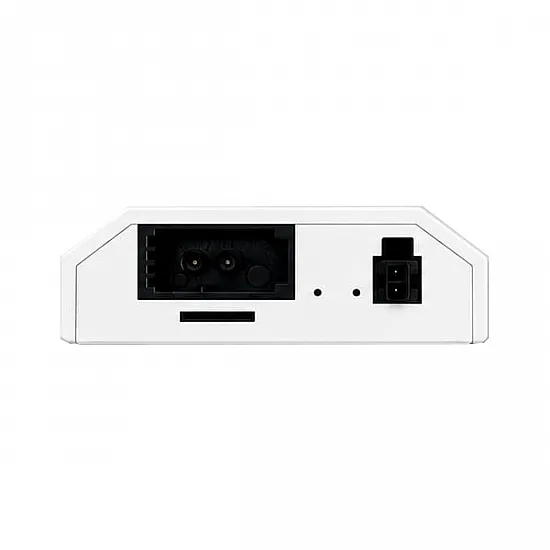
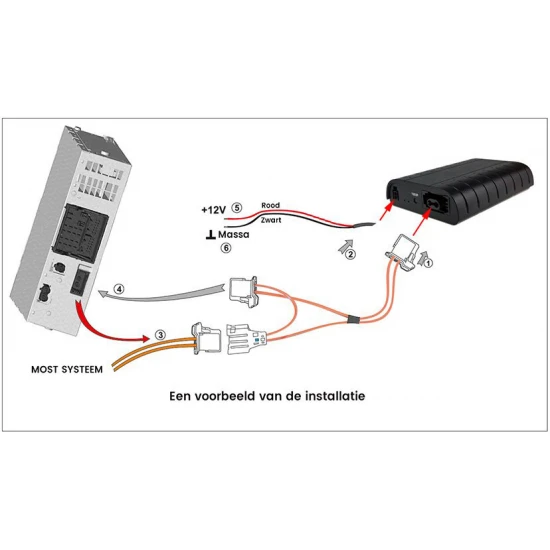
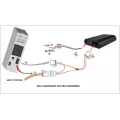
This interface is connected at the back of the CD changer (or replaces the CD changer on MMI 2G Basic systems) to the fiber optic connector.
If there is no CD changer, this box is connected directly to the MMI system.CD changer option does not need to be activated, because it is always active from the factory.
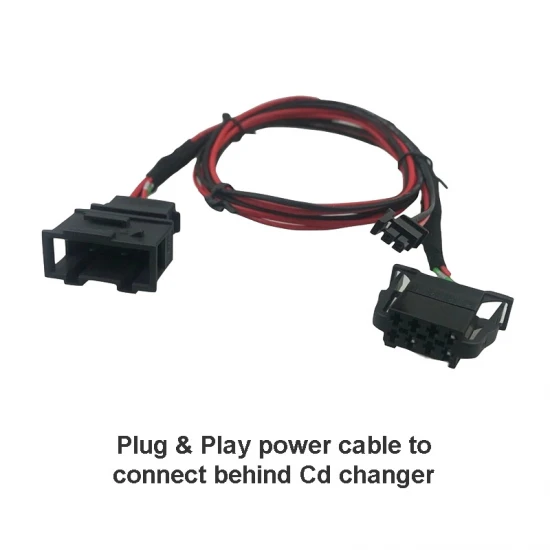
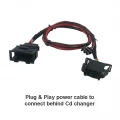
The power supply can be connected to the back of the CD changer using the supplied Plug & Play cable.
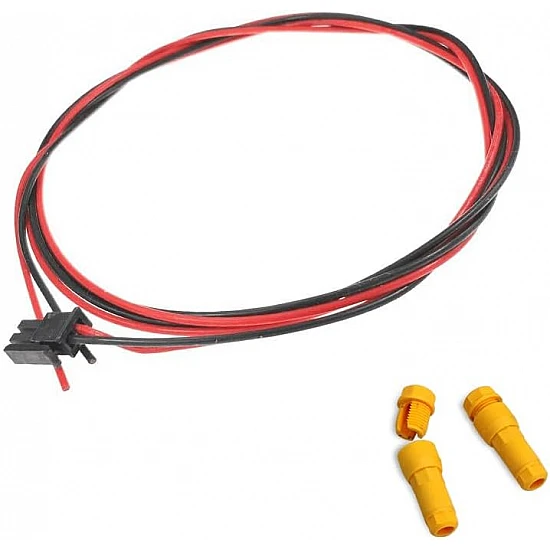
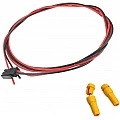
If there is no CD changer available, the +12V constant and ground cables from the interface must be connected to the corresponding wires of your car wiring.The necessary cable is also included.
Installation
The installation takes place behind the CD changer, if present, usually located in the glove compartment.Or else directly behind the radio unit (MMI)
- Turn off the ignition and the MMI system
- Disassemble the CD/DVD changer using the following key set: YT-Key03. Example
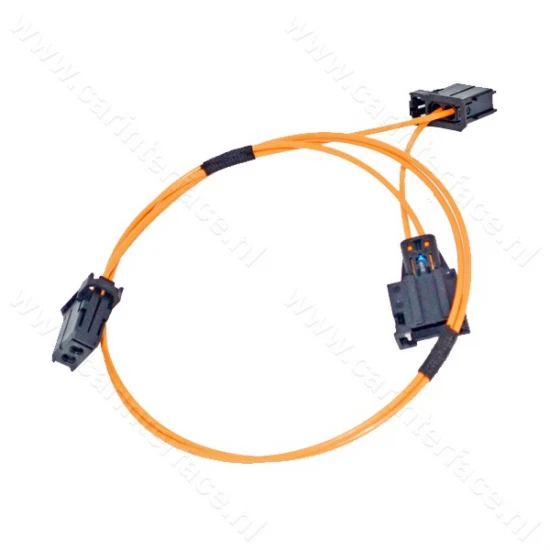
- Connect the plugs of the supplied fiber optic cluster and the power cables
- Turn on the ignition and the MMI system
- Press the SOURCE button on the control panel and select CD to view the available devices.Our device is visible under CD changer options
Installation examples
Installation video Audi A6
Installation video Audi A8
Commissioning
1. To start playing external sound sources via the interface, press a CD / TV button on the control panel in the first step.Then press the button that activates the SOURCE function.2. Select CD from the displayed list of available devices.
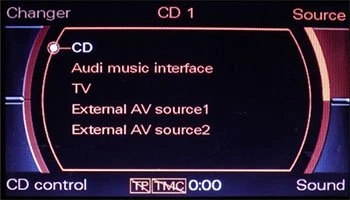
After CD is selected, the button that activates CD changer must be pressed (top left).
Note: CD changer submenu allows you to switch between the AUX, USB, microSD and Bluetooth input of this interface and between the disks of the CD changer magazine (missing, only with MMI 2G High).
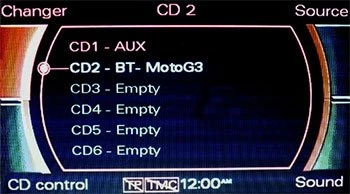
This interface remembers the last selected sound source and starts playing it after switching on the MMI system.
To pair a new device with the Bluetooth module of the interface, the Bluetooth option of the interface must be enabled.
The following screen will be displayed if no Bluetooth device is yet connected to the interface:
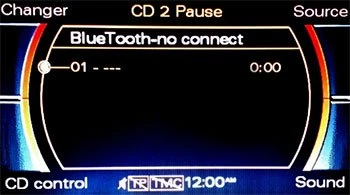
After switching on the Bluetooth module on the interface, a smartphone must be used to search for new Bluetooth devices.
Once this Bluetooth interface is discovered you can pair it.
After your phone has been successfully paired with the interface's Bluetooth module, you can immediately start playing music.
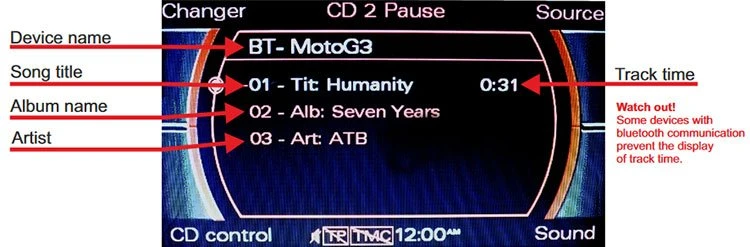
The interface can be operated via a smartphone (or another connected Bluetooth device) itself or via the MMI control panel.
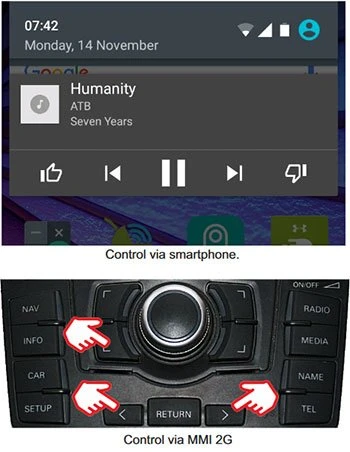
The interface will automatically attempt to reconnect to the last paired device.This function is active after starting the MMI system.
If the connection is not set up, this function is only active when Bluetooth is selected from CD changer option as the current audio source.
The interface attempts to connect to the last paired device at 30 second intervals.During this period the Bluetooth module is also visible for connection to a new device.
Notes:
If no Bluetooth car kit is present, all four switches of the DIP switch must be set to "OFF.
Phone book does not work in combination withMMI Basic, only with MMI 2G High infotainment systems.
Info about DIP switch settings
Support
WhatsApp in English: +85260668491.
Scope of delivery:
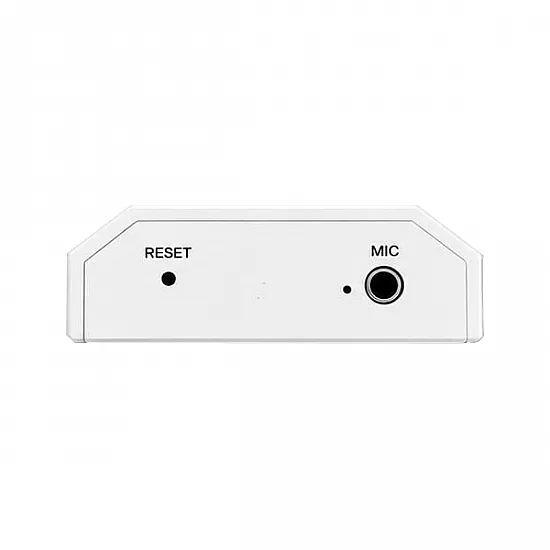
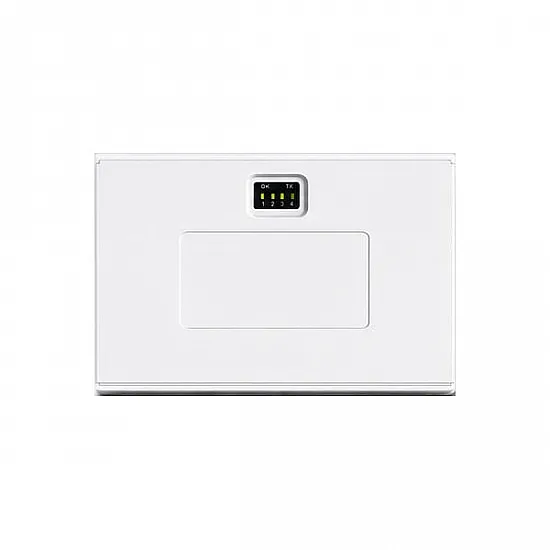
- Mr12Volt Audi MMI 2G MOST Interface
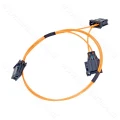
- Orange fiber optic MOST Y cable
- Power cable for connecting +12V constant and ground to the interface
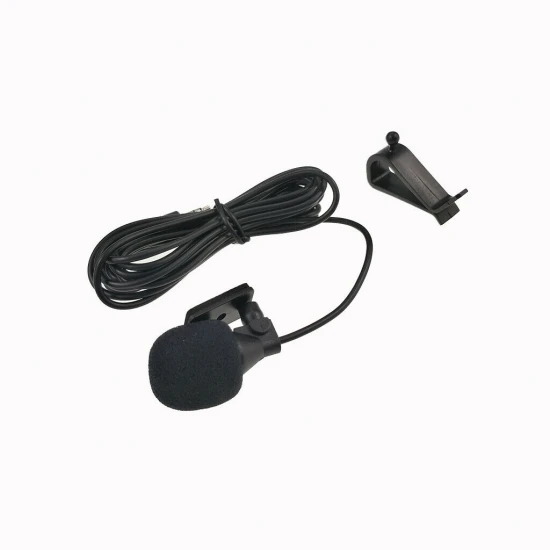
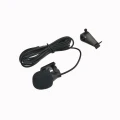
- Microphone, cable length 270cm
- 2x drain plugs
- CD changer removal keys
- User manual in English
- Invoice
- 2 year warranty
MMI versions:
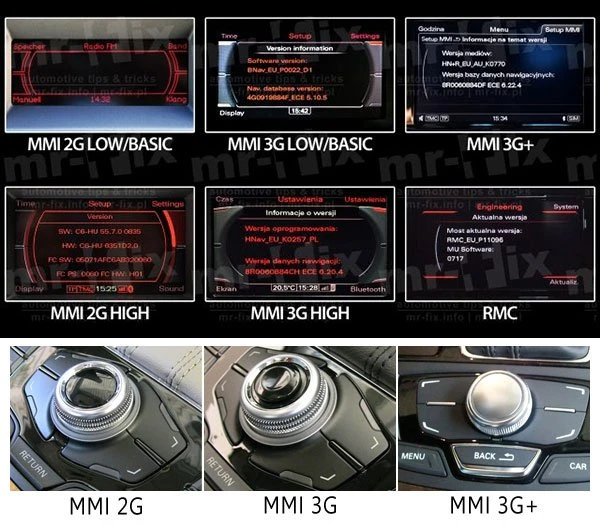
Which version MMI do I have? -> Check